
Co-Managed IT Services
Keep your internal IT team in control and give them enterprise-grade tooling, 24/7 coverage, and a deep escalation bench behind them. That is co-managed IT, and it is what NetStandard does best. Call (913) 428-4200.
- THE CO-MANAGED MODEL
What are co-managed IT services?
Co-managed IT services are a partnership model where your internal IT staff and an outside provider share responsibility for your technology environment. Your team keeps the roles they are best at, usually day-to-day support, business applications, and institutional knowledge, while the provider adds the pieces that are expensive to build in-house: around-the-clock monitoring, a security stack, patching automation, documentation systems, and senior engineers to escalate to. It is not outsourcing and nobody gets replaced. It is the difference between a two-person IT department doing everything alone and a two-person IT department with a bench behind them.

- Your internal IT team stays in control of what they own.
- We add 24/7 monitoring, enterprise security tooling, and a senior escalation bench.
- Local engineers serving Kansas City, Des Moines, and the surrounding region.
Here's a quick overview
What co-managed IT includes

Your network, servers, endpoints, and Microsoft 365 environment watched around the clock, with escalation paths you define.

Enterprise security tooling folded into your environment: endpoint detection and response, email security, co-managed security monitoring services with real analysts behind the alerts, and co-managed cybersecurity services that satisfy insurance and compliance requirements.

Automated, tested patching across your fleet, so it actually happens every month without consuming your team's week.

The RMM, documentation, ticketing, and automation platforms an internal team rarely gets budget for, licensed through us.

When your team hits something outside their depth, they escalate to senior engineers instead of a support queue. Your staff learns as they go.

Tested, verified backups with recovery objectives you sign off on.

Migrations, upgrades, and budget planning done with your team, not around them.
- We're Here To Set The Record Straight...
Co-managed vs. fully managed IT: which fits?
Fully managed IT means the provider is your IT department, the right answer for organizations with no internal IT. Co-managed IT is for organizations that have IT staff and want to keep them: the provider fills the gaps rather than taking over. The practical test is simple. If your IT lead spends their week fighting tickets instead of working on the business, but you do not want to lose their knowledge, co-managed is the fit. If nobody owns IT at all, start with fully managed.

- WHO IT IS FOR
Who co-managed IT is built for
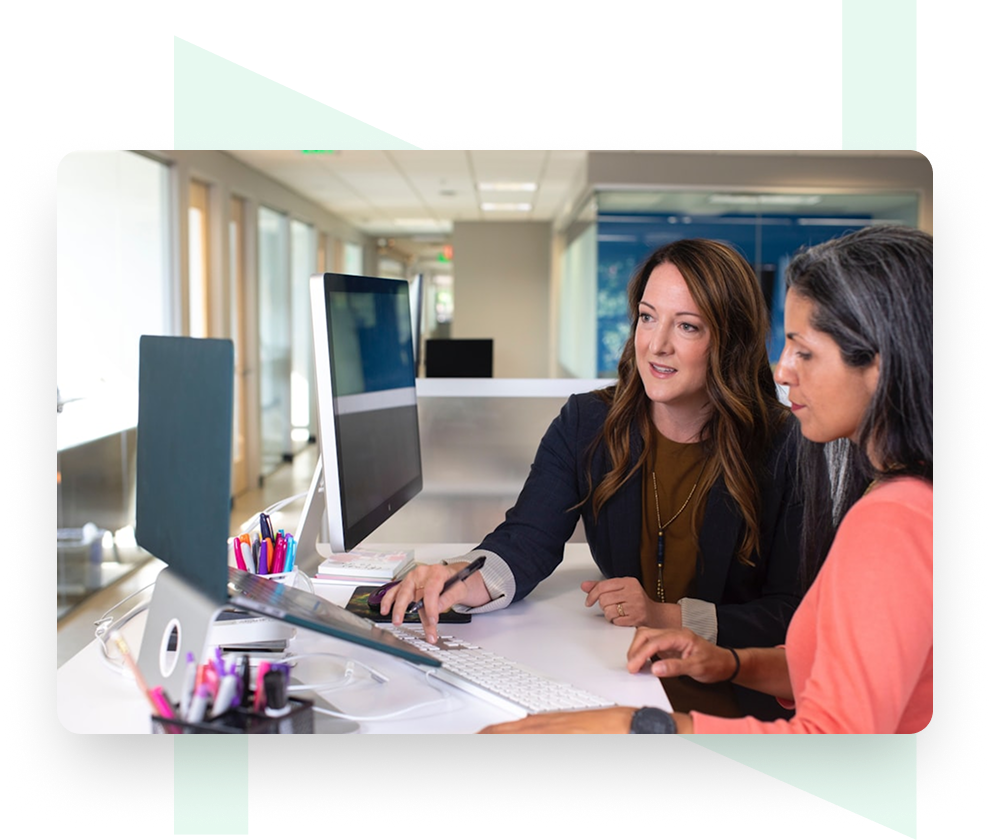
The model fits mid-size organizations, typically 25 to 500 employees, with one to a handful of IT staff. The IT manager gets a bench, better tooling, and nights and weekends covered. The business gets predictable per-user pricing, stronger security posture, and continuity when someone is on vacation or leaves. Common fits we see in Kansas City and Des Moines: professional services firms, local government, manufacturers, and healthcare practices whose IT lead is stretched across every discipline at once.

What co-managed IT services cost
Co-managed pricing runs meaningfully below fully managed because your team keeps a share of the work. Most engagements are priced per user or per device monthly, scaled by which responsibilities move to us: monitoring only at the light end, monitoring plus security plus escalation in the middle, everything except on-site hands at the top. A consultation gets you an exact number for your headcount and split of responsibilities. For the other side of the comparison, see our full managed IT pricing breakdown.
- CHOOSING NetStandard
Why IT teams choose NetStandard as their co-managed partner
We are an Overland Park based provider serving Kansas City, Des Moines, and the surrounding region, with a 5.0-star Google rating. Co-managed clients work with the same local engineers every time, and our tooling is yours to see: shared documentation, shared ticketing visibility, no black boxes. We win when your internal team looks good, and we structure the engagement that way. Serving Kansas City, Overland Park, Des Moines, Wichita, Omaha, and Topeka.
- testimonials
See What NetStandard Clients are Saying
Chief Financial Officer, L.G. Barcus & Sons
Our team at NSI is incredibly responsive to our needs and our business. Without a doubt, I would recommend them to anyone looking for an IT service provider.
President, PMT Group
The move to managed services with NetStandard has given us the power to double our business in the next five years, and we have the confidence that our systems will be able to support that growth.
- Partners

Frequently asked questions
Q1. Will a co-managed provider replace our IT staff?
No, and a good one is structured so it cannot. Co-managed IT exists specifically for companies that want to KEEP their internal team. Responsibilities are divided in writing; your people stay in control of what they own.
Q2. How is co-managed IT priced?
Per user or per device monthly, scaled by how much responsibility shifts to the provider. It is typically well below fully managed pricing because your team carries part of the load.
Q3. What is the difference between co-managed IT and staff augmentation?
Staff augmentation rents you a person. Co-managed IT adds a whole system: tooling, monitoring, security stack, documentation, and a bench of engineers, alongside your existing team.
Q4. Can co-managed include security only?
Yes. Co-managed security services are our most common starting point: we add the security stack, monitoring, and response capability while your team keeps running day-to-day IT.
Q5. How fast is onboarding?
Most co-managed onboardings complete inside 30 to 60 days: tooling deployment, documentation, and an agreed responsibility split, sequenced so nothing drops in the transition.
Talk to us about your IT team's workload
Bring your IT lead to the call. We will map what stays in-house, what we take, and what it costs.